
When you’re deep in a project, After Effects panels can feel cramped. Instead of dragging panel edges
to make room, there’s a single key that instantly maximizes whatever panel your cursor is over.
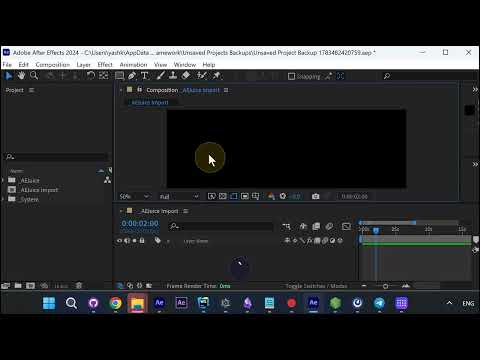
Hover, then press tilde
Move your cursor over any panel — the timeline, the preview, the composition — and press the tilde
key (the ` key at the top-left of the keyboard, next to 1). That panel instantly fills the
screen so you can work with all the space you need.
Hover — no clicking required
The key detail: you don’t have to click the panel first. Just hover over it and tap the key. Press
it again and your full layout snaps right back, exactly as it was.
More After Effects tools
Want more workflow speed-ups? Grab AEJuice’s
free plugins for After Effects and Premiere Pro.