
Extending a composition’s length in After Effects is easy — until you realize the layers inside it still end where they always did. Nested precomps, control layers, and source clips don’t stretch just because the parent comp got longer. The Increase Comp Duration tool in Pack Manager fixes that in one click, and it does it recursively.
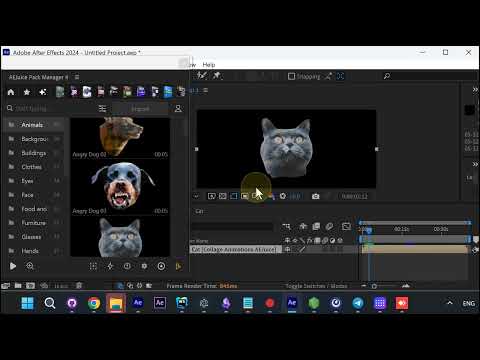
Where to find it
Open the Comps menu in AEJuice Pack Manager and choose Increase Comp Duration. It sits alongside the other comp utilities — Precomp, Unprecomp, Prerender, and Duplicate.
What makes it different
A normal duration change only touches the comp you’re looking at. Increase Comp Duration works recursively: it walks down through every nested comp and extends the duration of every layer inside, not just the top level. So a deeply nested template — like an animated element from the Collage Animations pack — gets its full timeline extended everywhere at once.
That means no more diving into precomp after precomp to drag out layer out-points by hand. You set the new length once and the whole hierarchy follows.
Why it matters
- One click instead of many — extend the parent and every child comp together.
- No broken timelines — layers inside nested comps don’t get cut off at the old duration.
- Works with animated assets — perfect for the pre-animated elements you drop in from Pack Manager, so their loops keep playing for the full new length.
Increase Comp Duration is one of the small quality-of-life tools that saves real time on template-heavy projects. Get it as part of Pack Manager.