
By default, Pack Manager lets you open up to 10 tabs at once. If you work with many packs simultaneously, here’s how to increase that limit.
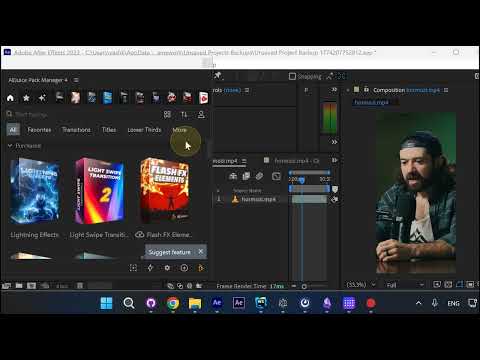
Step 1: Open Settings
In Pack Manager, click the Account icon (person icon at the top) and select Settings.
Step 2: Go to Usability and Change Tabs Limit
Click the Usability tab. Find the Tabs limit dropdown — it’s set to 10 by default. Click it and choose a higher value: 15, 20, 25, or 30.
Step 3: Press OK
Click OK to save. Now you can open more tabs at once in Pack Manager.
Conclusion
Quick settings change, big workflow improvement. Open as many packs as you need side by side.