
After Effects has no built-in way to export a GIF — you normally have to render a video and convert it somewhere else. AEJuice Pack Manager adds a one-click GIF export, for free. Here’s the whole flow.
1. Export GIF from the Render menu
After Effects can’t export a GIF, but Pack Manager’s Render menu does it for free — just choose Export GIF.
2. It renders through the render queue
Pick Export GIF and it renders your composition straight through the After Effects render queue.
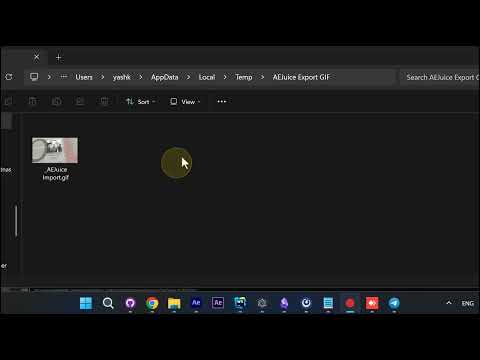
3. Your GIF saves to a folder
The finished GIF saves straight to a folder on your computer.
4. Open your ready-to-share GIF
Open it, and your animation plays back as a ready-to-share GIF.
5. Fast and free
That’s it — a real GIF from After Effects, fast and free.
Why it matters
- Fills a real AE gap — After Effects has no native GIF export
- One click — export straight from the Render menu, no external converter
- Free — included in AEJuice Pack Manager
Get it in Pack Manager for After Effects.