
Want to download an entire pack at once instead of one animation at a time? Here’s how.
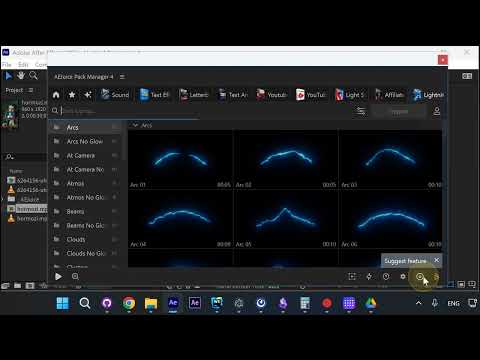
Step 1: Right-Click the Package
In Pack Manager, find the package you want. Right-click on it to open the context menu.
Step 2: Press Download
Click Download from the context menu. This downloads all animations in that package.
Step 3: Download from Inside a Package
You can also do the same from inside a package. Open the package, then press Download to get all animations at once.
Note on Storage
There is no option to download all packages at once because the full library is over ten terabytes and growing. Make sure you have enough disk space by going to Account → Settings → Storage.
Conclusion
Right-click any package and hit Download — that’s it. All animations in the pack download at once.