
Running out of space on your C drive? You can move all Pack Manager files to a different drive in a few clicks.
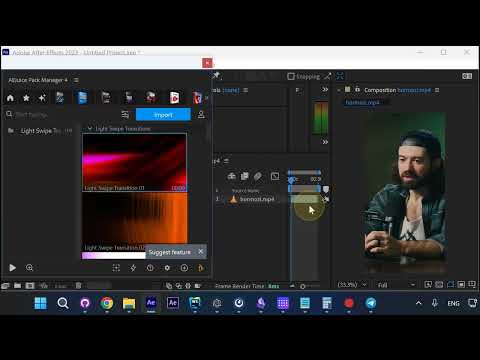
Step 1: Press Account → Settings
In Pack Manager, click the Account icon (person icon) and select Settings.
Step 2: Choose a New Folder
In the General tab, click Choose folder next to the Storage path. Navigate to your preferred location and click Select Folder.
Step 3: Confirm and Restart
Click Yes to confirm, then OK. Restart After Effects. If you had a lot of files downloaded, it might take a while for them to be copied on the next restart, but after that all new files will download to the new folder.
Conclusion
One settings change, everything moves automatically. No manual file copying needed.