
Every time you draw a shape in After Effects, its anchor point lands in the composition center rather
than the shape’s own center — so scaling and rotating pivots from the wrong spot until you fix it by
hand. There’s a one-time preference that centers it for you.
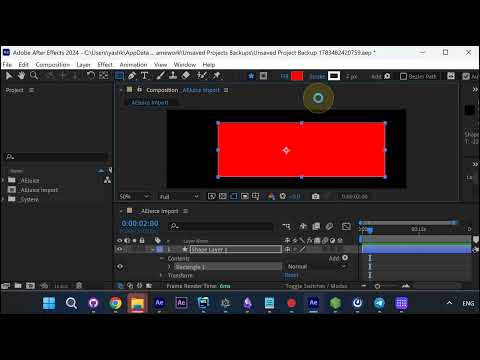
The problem: off-center anchor points
Draw a rectangle and you’ll see the anchor point sitting away from the shape’s middle. Do this on every
new layer and the manual re-centering adds up.
Open Preferences → General
Go to Edit → Preferences → General.
Turn on the setting
Enable Center Anchor Point in New Shape Layers. From now on, every shape layer you create gets its
anchor point centered automatically — ready to scale or rotate straight away, no manual fixing.
More After Effects tools
Want more time-savers? Grab AEJuice’s
free plugins for After Effects and Premiere Pro.