
Drop a folder of photos into a slideshow and the faces end up wherever the photographer left them — one subject high in the frame, the next dead center, the next lying down near the bottom. Normally you fix that by hand, placeholder by placeholder.
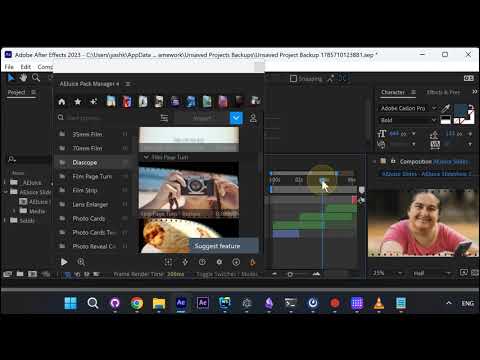
The slideshow builder in AEJuice Pack Manager now reads each photo with AI face detection and shifts it inside its placeholder so the face lands centered.
Set up the slideshow
Start the slideshow in Pack Manager. On the music step you can skip audio entirely — tick No sound effects and No music — set Seconds per slide to 2, and hit Continue.
Pick photos with faces anywhere in frame
For this demo the three photos are deliberately awkward: one with the face in the top third, one centered, one with the subject lying down so the face sits in the bottom third. That is exactly the case that normally forces manual repositioning.
Faces get centered automatically
The builder detects the face region in each photo and offsets the image inside the placeholder accordingly. A face in the top of the frame gets pushed down, a face at the bottom gets pulled up.
Play it back
The result is a slideshow where every subject is framed the same way, with no cropping or repositioning done by hand.