
Transitions live in the AEJuice Pack Manager panel right inside Premiere Pro — browse, preview, and drop one between your clips without leaving the timeline.
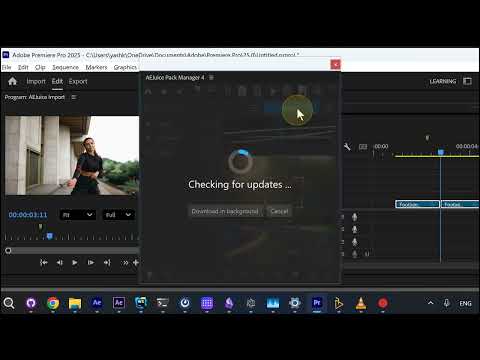
1. Browse and preview
The pack is split into Fast, Normal and Slow folders. Hover a transition — here Arcane Transition Normal 01 — and it previews in the panel.
2. Import onto the timeline
Hit Import and the transition lands between your clips on the timeline at the playhead, ready to play back.
Get the pack: Arcane Transitions
Also part of Pack Manager: Pack Manager - AEJuice